2.4 GHz vs 5 GHz vs 6 GHz WiFi: Speed and Coverage
Compare 2.4 GHz, 5 GHz, and 6 GHz WiFi bands by speed, coverage, interference and device support. Learn which band suits each room and how to test your connection before changing your router settings.
On this page
- 2.4 GHz vs 5 GHz vs 6 GHz WiFi: Differences, Speed, and Coverage Explained
- What Do 2.4 GHz, 5 GHz, and 6 GHz Mean?
- Quick Comparison of the Three WiFi Bands
- 2.4 GHz WiFi: Useful Reach and Compatibility
- 5 GHz WiFi: A Practical Everyday Choice
- 6 GHz WiFi: More Spectrum for Compatible Devices
- WiFi 6 Is Not the Same as 6 GHz
- Speed: Why There Is No Single Mbps Limit for Each Band
- Coverage: How Far Does Each Band Reach?
- Channels and Interference Explained Simply
- Which Band Should You Use for Different Activities?
- Should You Use One Network Name or Separate Names?
- How to Compare WiFi Bands in Your Home
- An Example of Choosing Reliability Over a Higher Band
- What to Check Before Upgrading for 6 GHz
- Frequently Asked Questions
- Choose the Band That Works Where You Use It
- Further Reading
2.4 GHz vs 5 GHz vs 6 GHz WiFi: Differences, Speed, and Coverage Explained
Your router may support several WiFi bands, but choosing the highest number does not automatically give you the best connection. A laptop beside the router has different needs from a smart camera behind several walls or a television at the other end of the house.
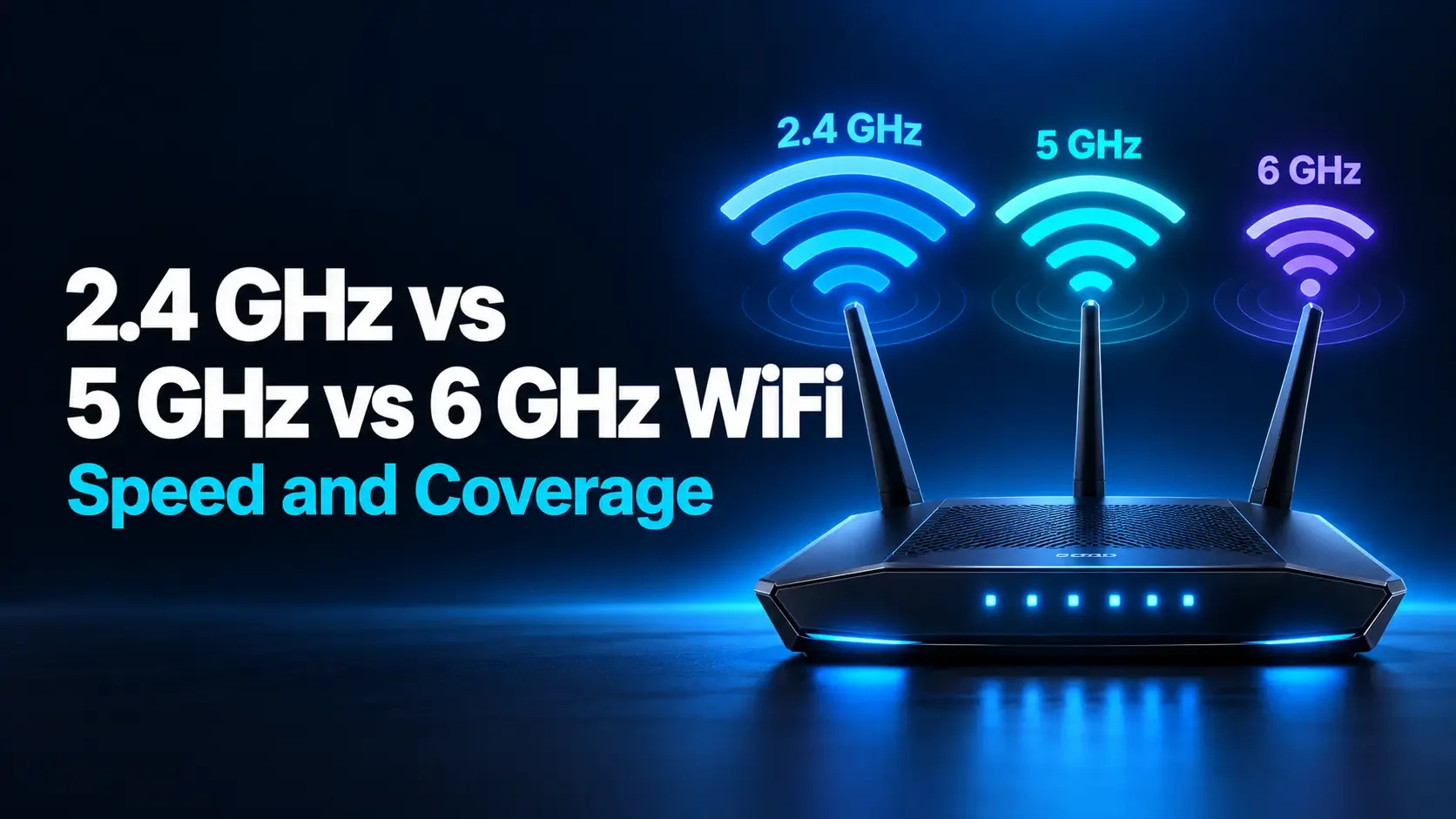
In general, 2.4 GHz is useful for reach and compatibility, 5 GHz provides a practical balance of speed and coverage, and 6 GHz offers additional wireless capacity for compatible equipment. The best choice depends on your location, devices, and surrounding networks.
This guide explains those differences, why advertised speeds can be misleading, and how to compare the bands in your own home.
What Do 2.4 GHz, 5 GHz, and 6 GHz Mean?
These labels identify radio frequency bands used by WiFi. GHz means gigahertz, a measurement of frequency. It does not describe your internet connection's speed.
Each band contains channels that wireless devices use to communicate. The number of available channels, their widths, and the operating rules vary between bands and countries.
Your router and device must support a band to communicate on it. A router offering 6 GHz cannot give an older phone a 6 GHz radio that the phone does not have.
Also distinguish WiFi from internet service. Changing bands can improve the connection between your device and router, but it cannot remove the speed limit of your internet plan.
Quick Comparison of the Three WiFi Bands
| Feature | 2.4 GHz | 5 GHz | 6 GHz |
|---|---|---|---|
| Main advantage | Reach and broad device compatibility | High performance with widespread support | Additional spectrum and room for wide channels |
| Coverage tendency | Usually better through distance and obstacles | Often more affected by obstacles than 2.4 GHz | Coverage depends strongly on equipment, power rules, and layout |
| Speed potential | Usually lower in typical home configurations | High with suitable devices and channel widths | High with compatible devices and suitable conditions |
| Congestion | Often crowded with WiFi and other devices | More channel options, but still potentially busy | Often less crowded; not interference-free |
| Device support | Very broad, including many smart-home products | Common on modern phones, computers, and televisions | Requires explicit 6 GHz support |
| Useful starting point | Distant or low-bandwidth devices | Everyday streaming, work, and gaming | Demanding nearby devices and crowded environments |
These are tendencies rather than guaranteed results. Router placement, antennas, channel selection, and device capabilities can change the outcome.
2.4 GHz WiFi: Useful Reach and Compatibility
The 2.4 GHz band remains important because many devices support it and it generally maintains useful coverage through obstacles better than higher-frequency bands.
It can be a practical choice for smart plugs, sensors, printers, and other devices that need a dependable connection but transfer little data. Some products support only this band.
The main limitation is crowding. Nearby WiFi networks, Bluetooth devices, and certain household electronics share or affect this part of the radio spectrum. Available spectrum is also relatively limited.
Use 2.4 GHz when it provides the most reliable connection at a device's actual location. However, do not assume that stronger signal bars guarantee better performance. A crowded 2.4 GHz channel can perform worse than a usable 5 GHz connection.
5 GHz WiFi: A Practical Everyday Choice
The 5 GHz band supports wider channels than typical 2.4 GHz configurations and can deliver high transfer rates with compatible equipment. It is widely supported by modern computers, phones, and many streaming devices.
For a home office near the router, a living-room television, or a gaming laptop, 5 GHz is often a sensible starting point. It can provide enough wireless capacity for demanding activities without requiring 6 GHz hardware.
Its performance still depends on distance and obstacles. A strong connection in the same room may become less reliable after several walls.
Neighboring networks can also crowd 5 GHz channels. Moving from 2.4 GHz to 5 GHz is worth testing, but it is not a guaranteed solution to every wireless problem.
6 GHz WiFi: More Spectrum for Compatible Devices
The 6 GHz band expands the spectrum available to supported WiFi equipment. It was introduced to consumer WiFi through WiFi 6E and is also used by compatible WiFi 7 products.
Its major benefit is additional room for channels, including wide channels that can support high data rates. Older devices without 6 GHz support do not compete directly for airtime on those channels.
This can help in crowded environments or when transferring large files near an access point. However, 6 GHz is not automatically faster simply because its frequency is higher.
Coverage, channel width, equipment, and local operating rules still matter. A strong 5 GHz connection can outperform a weak 6 GHz connection. Before buying equipment, confirm support for your exact device model and the country where you will use it.
WiFi 6 Is Not the Same as 6 GHz
The number in a WiFi generation describes a technology generation, while GHz identifies a frequency band. Confusing the two can lead to buying equipment that does not provide the feature you expect.
| Generation | Relationship to frequency bands | What to check |
|---|---|---|
| WiFi 6 | Uses 2.4 GHz and 5 GHz; does not add 6 GHz | The product's supported bands and capabilities |
| WiFi 6E | Extends WiFi 6 technology into 6 GHz | Router, client, software, and regional support |
| WiFi 7 | Can operate across 2.4 GHz, 5 GHz, and 6 GHz | Exact product specifications; not every model offers every band |
A WiFi 6 laptop cannot join 6 GHz merely because you install a WiFi 6E router. It can usually continue connecting through a compatible 2.4 GHz or 5 GHz network on that router.
Speed: Why There Is No Single Mbps Limit for Each Band
Claims such as “2.4 GHz always reaches this speed” or “6 GHz is always twice as fast” leave out important details.
Actual wireless performance depends on several factors:
- WiFi generation: Different technologies use radio resources differently.
- Channel width: A wider usable channel can carry more data under suitable conditions.
- Spatial streams: Router and device radio capabilities affect the supported connection rate.
- Signal quality: Distance, obstacles, and interference influence the rate that can be maintained.
- Shared airtime: Other active devices and networks can reduce available capacity.
- Other bottlenecks: Router ports, internet service, and remote servers can limit results.
WiFi 6E uses the WiFi 6 technology generation in additional spectrum. With otherwise equivalent conditions and configuration, changing from 5 GHz to 6 GHz does not inherently double the connection rate.
Link speed is different from usable transfer speed
Your computer may display a wireless link rate of 1,200 Mbps. That is not a promise that an internet speed test or file download will reach 1,200 Mbps.
WiFi communication includes overhead and shared airtime. Your internet plan may also be much slower than the local wireless link.
For example, a household with a 100 Mbps internet service might get similar internet test results on strong 5 GHz and 6 GHz connections. The service limit can hide differences in local WiFi capacity.
Coverage: How Far Does Each Band Reach?
There is no dependable room count or fixed distance that applies to every router. Construction materials, antenna design, transmit power, device sensitivity, and interference all affect coverage.
As a general starting point, 2.4 GHz is useful when reach matters. The difference between 5 GHz and 6 GHz requires more care: they are relatively close in frequency, and actual coverage can depend heavily on power settings and deployment conditions.
Do not assume that 6 GHz stops working outside the router's room. Equally, do not expect it to solve a distant coverage gap merely because it is newer.
For a consistently weak room, moving an access point or adding a suitable wired access point may help more than repeatedly switching bands.
Channels and Interference Explained Simply
A band contains individual WiFi channels. Channel width describes how much spectrum a connection uses.
Wider channels can provide more capacity, but they also occupy more spectrum. In a crowded environment, the widest setting may not produce the most reliable result.
For 2.4 GHz, a 20 MHz width is a useful starting point, especially near other networks. For 5 GHz and 6 GHz, begin with the router manufacturer's recommended automatic settings and test before changing them.
The extra spectrum available at 6 GHz can make wide-channel operation easier. However, countries permit different portions of the band and different operating conditions. Avoid applying another country's channel-count or power assumptions to your own equipment.
Which Band Should You Use for Different Activities?
Streaming movies and television
Start with a stable 5 GHz connection when supported. A compatible television or streaming device may also benefit from 6 GHz, but it does not need that band simply to display 4K video. The connection needs sufficient sustained capacity.
Gaming and video meetings
Compare 5 GHz and 6 GHz where the device is used. Prioritize consistency, responsiveness, and few interruptions. Ethernet remains a useful option for stationary equipment when wireless conditions are difficult.
Smart-home devices
Many smart plugs and sensors use 2.4 GHz because they need broad compatibility and modest data rates. Check each product's requirements. Being limited to 2.4 GHz does not automatically make a device unsuitable.
Large local file transfers
Strong 5 GHz or 6 GHz connections can be useful when moving files to a local storage device. The storage system, Ethernet links, and both endpoints must also support the desired transfer rate.
Should You Use One Network Name or Separate Names?
Many routers use one network name, or SSID, across several bands. The router and client use their connection-selection features to choose an appropriate link.
This is usually a convenient starting point. Apple specifically recommends a consistent network name across the bands used by its supported WiFi 6E and WiFi 7 network configurations.
Separating names can sometimes help with troubleshooting or older-device setup, but it should follow your router's guidance. It can also prevent devices from choosing a more suitable band automatically.
If you temporarily separate networks for testing, restore the recommended configuration afterward unless the change solves a specific ongoing problem.
How to Compare WiFi Bands in Your Home
- Check support: Confirm which bands your router and test device actually provide.
- Choose a location: Start where you normally work or stream.
- Confirm the active band: Use device connection details or the router's client information, where available.
- Run a test: Open the WiFi Speed Test and record the available measurements.
- Compare another band: Use supported controls and keep the device, location, and background activity similar.
- Repeat: Take several readings and try your normal activity.
An internet speed test measures the route beyond your router as well as your local WiFi. It does not directly measure signal strength or establish the maximum capacity of a band.
If 5 GHz and 6 GHz both reach your internet plan's limit, that does not prove their local wireless performance is identical. It may simply mean both are sufficient for that internet connection.
An Example of Choosing Reliability Over a Higher Band
Imagine a laptop records around 85 Mbps on 5 GHz at a desk, while its 6 GHz connection varies between 40 and 90 Mbps and occasionally disconnects. These are invented numbers used to illustrate the decision.
For meetings at that desk, the consistent 5 GHz connection may be preferable. Moving closer to the access point could change the result and make 6 GHz more useful.
The lesson is to choose based on repeatable performance at your actual location. A newer band is an option to evaluate, not a requirement to force on every device.
What to Check Before Upgrading for 6 GHz
- Exact band support: “Tri-band” does not always mean 2.4 GHz, 5 GHz, and 6 GHz; some products use two 5 GHz radios.
- Client compatibility: Check your phone or computer's specifications, including regional variants.
- Software support: Firmware, operating-system support, and drivers can affect availability.
- Security compatibility: A private 6 GHz home network normally uses WPA3-Personal; older WPA2-only devices need another supported band.
- Your actual bottleneck: Decide whether the issue is wireless congestion, coverage, internet service, or one slow device.
If your current setup already supports your activities reliably, upgrading solely for a larger frequency number may offer little practical benefit.
Frequently Asked Questions
Is 6 GHz always faster than 5 GHz?
No. It offers additional spectrum, but actual speed depends on channel width, hardware, signal quality, and congestion. A strong, well-configured 5 GHz connection can outperform a weak or limited 6 GHz connection.
Is 5 GHz WiFi the same as 5G mobile internet?
No. The 5 GHz label describes a WiFi frequency band. 5G describes a cellular technology generation. A home router using 5G mobile service may still provide local WiFi over 2.4 GHz, 5 GHz, or other supported bands.
Can an older phone connect to a WiFi 6E router?
Usually, through a compatible 2.4 GHz or 5 GHz network that the router provides. It cannot use 6 GHz without suitable hardware and software. Check security compatibility as well as the band.
Should I disable 2.4 GHz to improve performance?
Not automatically. Older products, smart-home devices, and distant connections may depend on it. Keeping it available does not mean modern devices must use it. Adjust settings only to address a measured problem.
Why can I not see a 6 GHz network?
Your device may lack support, the band may be disabled, software may need updating, or regional restrictions may apply. It may also share a name with other bands, so there is no separate network entry to select.
Choose the Band That Works Where You Use It
Use 2.4 GHz when compatibility or reach makes it useful. Start with 5 GHz for many everyday activities, and consider 6 GHz when compatible equipment and local conditions can take advantage of its additional spectrum.
Measure from your real working and viewing locations, keep the test conditions consistent, and prioritize a dependable connection over the highest band number.
Further Reading
How is your connection doing?
Measure download, upload, and response time on the device you use every day.
Test your internet speed ↗