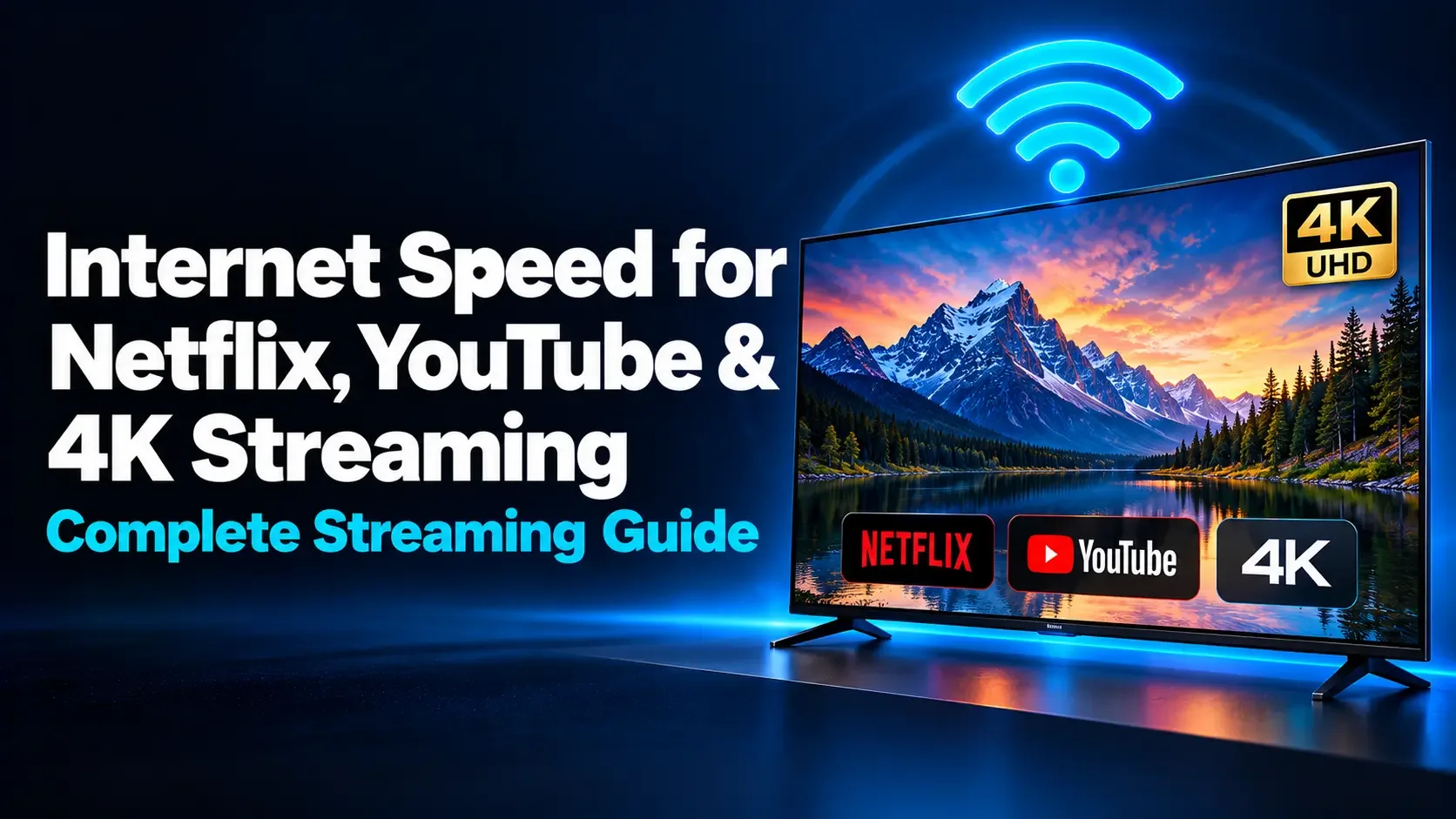
Internet Speed for Netflix, YouTube & 4K Streaming Guide
Learn how much internet speed Netflix, YouTube and 4K streaming need. Compare recommended Mbps, estimate bandwidth for multiple screens, and fix buffering for smoother viewing on your home connection.
On this page
- How Much Internet Speed Do You Need for Netflix, YouTube, and 4K Streaming?
- Netflix and YouTube Speed Recommendations
- What Does Mbps Mean for Streaming?
- Recommended Speed Is Not the Same as Constant Data Usage
- How Much Speed Should You Allow for One 4K Stream?
- How to Calculate Bandwidth for Multiple Screens
- Why Your Advertised Internet Speed May Not Reach the TV
- How to Test Whether Your Connection Is Fast Enough
- Why Streaming Can Buffer Even with Fast Internet
- Do Ping, Jitter, and Upload Speed Matter?
- Fast Internet Alone Does Not Guarantee 4K Picture Quality
- How Much Data Does 4K Streaming Use?
- Should You Upgrade Your Internet Plan?
- Frequently Asked Questions
- Choose Speed Based on Your Viewing Habits
- Further Reading
How Much Internet Speed Do You Need for Netflix, YouTube, and 4K Streaming?
You choose a movie, settle onto the sofa, and press play. Then the picture becomes blurry or stops to buffer. Is your internet plan too slow, or is something else affecting the connection?
For one 4K stream, Netflix recommends a stable connection of at least 15 Mbps, while YouTube lists approximately 20 Mbps of sustained speed. For 1080p, both services list 5 Mbps in their resolution-based recommendations. A household watching several screens simultaneously needs additional capacity.
The important number is the speed available to your streaming device while everyone is using the network. This guide explains the official recommendations, how to estimate household demand, and what to check before paying for a faster plan.
Netflix and YouTube Speed Recommendations
The table below compares the services' published guidance. These figures apply to individual streams, not an entire household's combined activity.
| Video quality | Netflix | YouTube |
|---|---|---|
| 360p | Not listed in its current speed table | 0.7 Mbps |
| 480p | Not listed in its current speed table | 1.1 Mbps |
| 720p HD | 3 Mbps or higher | 2.5 Mbps |
| 1080p Full HD | 5 Mbps or higher | 5 Mbps |
| 4K Ultra HD | 15 Mbps or higher | 20 Mbps |
Sources: Netflix's internet-speed recommendations and YouTube's recommended sustained speeds.
YouTube also recommends at least 7 Mbps for HD in its TV troubleshooting guidance. This reinforces why a resolution-based figure should be treated as a starting point rather than a guarantee for every device and viewing situation.
What Does Mbps Mean for Streaming?
Mbps means megabits per second. It describes how quickly data can move through a connection. A higher download rate allows more incoming data to reach your devices each second.
Do not confuse Mbps with megabytes per second, written as MB/s. There are eight bits in a byte, so 40 Mbps is equivalent to 5 MB/s before considering practical transfer limitations.
When watching a video, your device receives compressed audio and video data. The player keeps some upcoming content in a buffer so playback can continue through brief changes in delivery speed.
If data arrives too slowly for too long, the buffer can run out. The player may pause or reduce quality. More available bandwidth can help, but only if insufficient capacity is the actual problem.
Recommended Speed Is Not the Same as Constant Data Usage
A service's connection recommendation is not a statement that every video continuously transfers data at that exact rate.
The amount of data needed can vary with the content, encoding, resolution, and frame rate. Players may also download upcoming sections in bursts rather than maintaining an identical transfer rate every second.
This is why a router's traffic graph can rise and fall while a movie plays normally. A temporary period with little traffic may simply mean the player already has enough video buffered.
Likewise, buying a 500 Mbps plan does not make one ordinary movie consume 500 Mbps. Available capacity and actual video data usage are different measurements.
How Much Speed Should You Allow for One 4K Stream?
For Netflix and YouTube, a reliably delivered 25–50 Mbps connection is a practical planning range for one 4K screen with light additional use. This is an editorial allowance above their published figures, not a separate official requirement.
The lower end offers less room for competing activity. A large game download, another high-resolution stream, or an unstable wireless connection can change the result.
For example, a person living alone who watches one television and occasionally browses on a phone has different needs from a household running several TVs and downloading games every evening.
Also, 4K describes resolution, not one universal bitrate. Other streaming services and high-bitrate local media can have different requirements. Check the guidance for the service you actually use.
How to Calculate Bandwidth for Multiple Screens
Count the streams likely to run at the same time. Then allow for other activity and normal variation in delivered speed.
A useful planning formula is:
Household target = simultaneous stream requirements + other active traffic + spare capacity.
Suppose your evening routine includes:
- One Netflix 4K stream: allow 15 Mbps.
- One YouTube 4K stream: allow 20 Mbps.
- Browsing and miscellaneous activity: allocate an illustrative 10 Mbps.
That gives a starting budget of 45 Mbps. Adding an illustrative 30% margin produces 58.5 Mbps. A plan that reliably delivers around 75–100 Mbps could provide comfortable room for this example.
The 10 Mbps allowance and 30% margin are planning choices, not platform requirements. Large downloads or extra screens may need more capacity, while lighter use may need less.
Practical Household Planning Examples
| Typical simultaneous use | Planning range | Assumptions |
|---|---|---|
| One 1080p screen and light browsing | 15–25 Mbps | No large competing transfers |
| One Netflix or YouTube 4K screen | 25–50 Mbps | Light activity on other devices |
| Two 4K screens and everyday browsing | 75–100 Mbps | Some spare capacity for changing demand |
| Four 4K screens with moderate additional use | 150–200 Mbps | Reliable delivery and adequate home-network coverage |
These are practical examples, not minimum requirements or guarantees. Count active tasks rather than every connected device: an idle smart plug does not need the same bandwidth as a television playing 4K video.
Why Your Advertised Internet Speed May Not Reach the TV
Your plan's advertised speed describes the service being sold. The connection reaching a particular television also depends on your router, wireless coverage, streaming device, and current household traffic.
A laptop beside the router might measure 300 Mbps while a TV behind two thick walls receives much less. The laptop result does not establish that the TV has the same connection quality.
Check the streaming device itself when possible. Many televisions and streaming players include a network test. For example, Roku provides a connection check through its network settings.
A phone test beside the TV is still useful, but it is an approximation. Different devices have different antennas and wireless capabilities.
How to Test Whether Your Connection Is Fast Enough
- Establish a baseline. Pause optional large transfers and run the WiFi Speed Test tool on a compatible device.
- Measure where you watch. Test near the television or use the streaming device's own connection check where available.
- Repeat during your usual viewing hours. Morning results may not reflect conditions during a busy evening.
- Observe normal household use. Note whether buffering begins when another stream, backup, or download starts.
- Compare wired and wireless access. If supported, connect the streaming device to the router with Ethernet and repeat playback.
- Record several results. Look for consistent performance rather than choosing the fastest reading.
A speed test creates traffic of its own and can temporarily affect playback. Measure baseline speed separately, then evaluate the real viewing experience under normal use.
Why Streaming Can Buffer Even with Fast Internet
Weak or Unstable WiFi
Your device may receive enough data briefly but struggle to sustain delivery. Compare playback closer to the router or over Ethernet. If that solves the problem, improve wireless coverage before upgrading the internet plan.
Competing Downloads
A game update can use much of the available download capacity. Pause it and repeat the same video. If playback improves, scheduling or limiting the transfer may be sufficient.
Device or App Problems
Outdated software or an app fault can cause playback trouble independently of connection speed. Restart the affected device, install supported updates, and compare another video or application.
A Service or Connection-Path Problem
A successful test to one server does not prove that every streaming service is reachable at the same speed. If only one service fails across multiple devices, check its support information before changing your router settings.
Low-Latency Live Viewing
Live viewing can leave less room to buffer than watching a prerecorded movie. Where a service offers reduced broadcast delay, that setting may increase sensitivity to interruptions. Restoring the default delay can help prioritize continuity.
Do Ping, Jitter, and Upload Speed Matter?
Download capacity and consistent delivery are usually the main network considerations for watching on-demand video. A player can buffer upcoming content, making it more tolerant of ordinary delay than an interactive game or conversation.
However, repeated interruptions and severe congestion can still disrupt playback. A fast download result should not cause you to ignore obvious instability.
Upload speed is not the main requirement for watching Netflix or YouTube, but uploading a large backup can compete for network resources and affect responsiveness.
Watching a livestream and broadcasting your own livestream are also different tasks. Broadcasting sends video outward and requires sufficient upload capacity for the encoder's settings.
Fast Internet Alone Does Not Guarantee 4K Picture Quality
Before assuming that a soft picture means slow internet, check the rest of the playback setup.
- Your subscription must support the desired quality where the service requires it.
- The selected movie or video must be available in 4K.
- Your television and streaming device must support the required format.
- Any external video connection must meet the service's device and connection requirements.
- Playback or data-saving settings must allow higher quality.
Netflix recommends High or Auto under the profile's data-usage settings for 4K. On YouTube, available quality options depend on the original upload and playback support; selecting Auto lets the player adapt to conditions.
Adaptive bitrate streaming can change the delivered quality as conditions change. A video starting at a lower resolution and becoming sharper shortly afterward is not necessarily evidence of a fault.
How Much Data Does 4K Streaming Use?
Internet speed and data allowance answer different questions. Mbps describes transfer rate, while gigabytes measure the amount of data consumed.
Netflix estimates that its High setting can use up to 3 GB per hour for HD and up to 7 GB per hour for 4K, per device.
At that upper 4K estimate, two hours daily for 30 days could use approximately 420 GB on one screen:
7 GB × 2 hours × 30 days = 420 GB.
This is a budgeting example, not a prediction for every title. Actual usage varies. YouTube usage also depends on the video and selected quality.
Check data allowances, hotspot limits, and any speed restrictions after a usage threshold. A connection can be fast enough for 4K while its monthly allowance is unsuitable for frequent viewing.
Should You Upgrade Your Internet Plan?
An upgrade is worth considering when your connection reliably performs near its current capacity and the household's simultaneous demand exceeds that capacity.
For example, if one stream works well but several consistently cause problems even over a healthy wired network, more download capacity may help.
If only the bedroom television struggles while other devices work normally, investigate that device and its connection first. Buying more bandwidth will not automatically repair weak WiFi coverage.
Choose a plan around realistic peak use. Extra capacity can make large downloads finish sooner, but it does not keep improving the picture once a stream is already playing at its available quality.
Frequently Asked Questions
1. Is 25 Mbps enough for 4K streaming?
It can support one Netflix or YouTube 4K stream when that speed is delivered consistently to the device. It leaves limited room for other demanding activity, so consider what else happens on the connection.
2. Is 100 Mbps enough for a family?
It can be enough for several streams and ordinary browsing, depending on the mix of activities. Large downloads, multiple high-resolution screens, and unreliable WiFi can change the experience. Calculate simultaneous demand rather than relying only on household size.
3. Do I need gigabit internet for Netflix or YouTube?
Not for ordinary viewing on one or a few screens. Gigabit service provides additional capacity for demanding households and faster large downloads, but it is not a standard requirement for 4K playback on these services.
4. Is Ethernet better than WiFi for streaming?
Ethernet can provide a more consistent connection by avoiding wireless interference and coverage problems. Good WiFi can also stream reliably. A temporary wired test is useful for identifying whether WiFi is causing buffering.
5. Does lowering video quality reduce buffering?
It often helps when insufficient or inconsistent delivery is the cause because the lower-quality stream generally needs less data. It will not necessarily fix an app error, service outage, or unsupported playback format.
Choose Speed Based on Your Viewing Habits
Start with the service's recommendation for each simultaneous stream, then allow for other household activity and variation in delivered speed. Check the connection where the screen is used.
Run an internet speed test, compare results during your normal viewing hours, and troubleshoot weak WiFi before upgrading. Reliable delivery matters as much as the number printed on your internet plan.
Further Reading
How is your connection doing?
Measure download, upload, and response time on the device you use every day.
Test your internet speed ↗